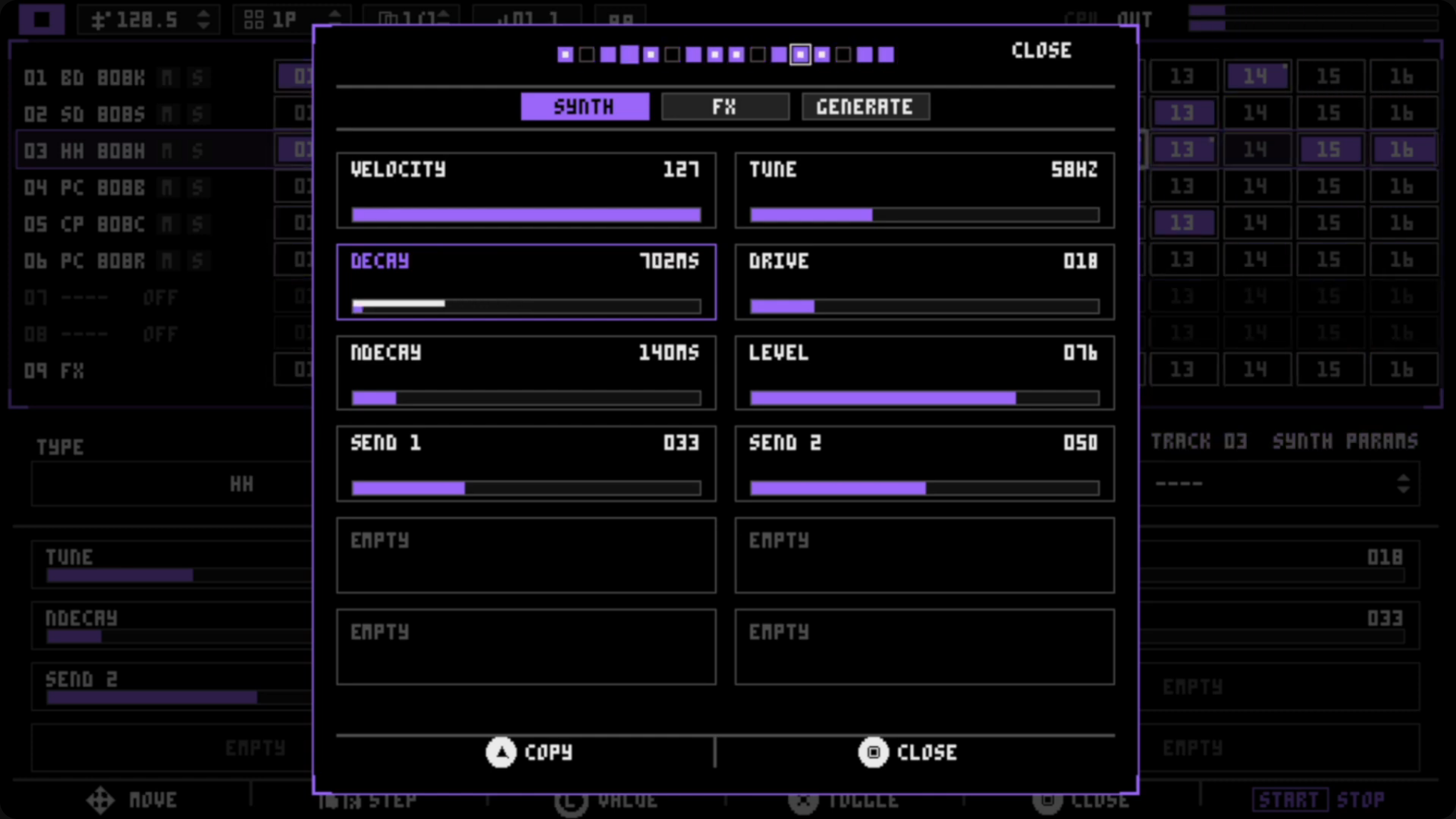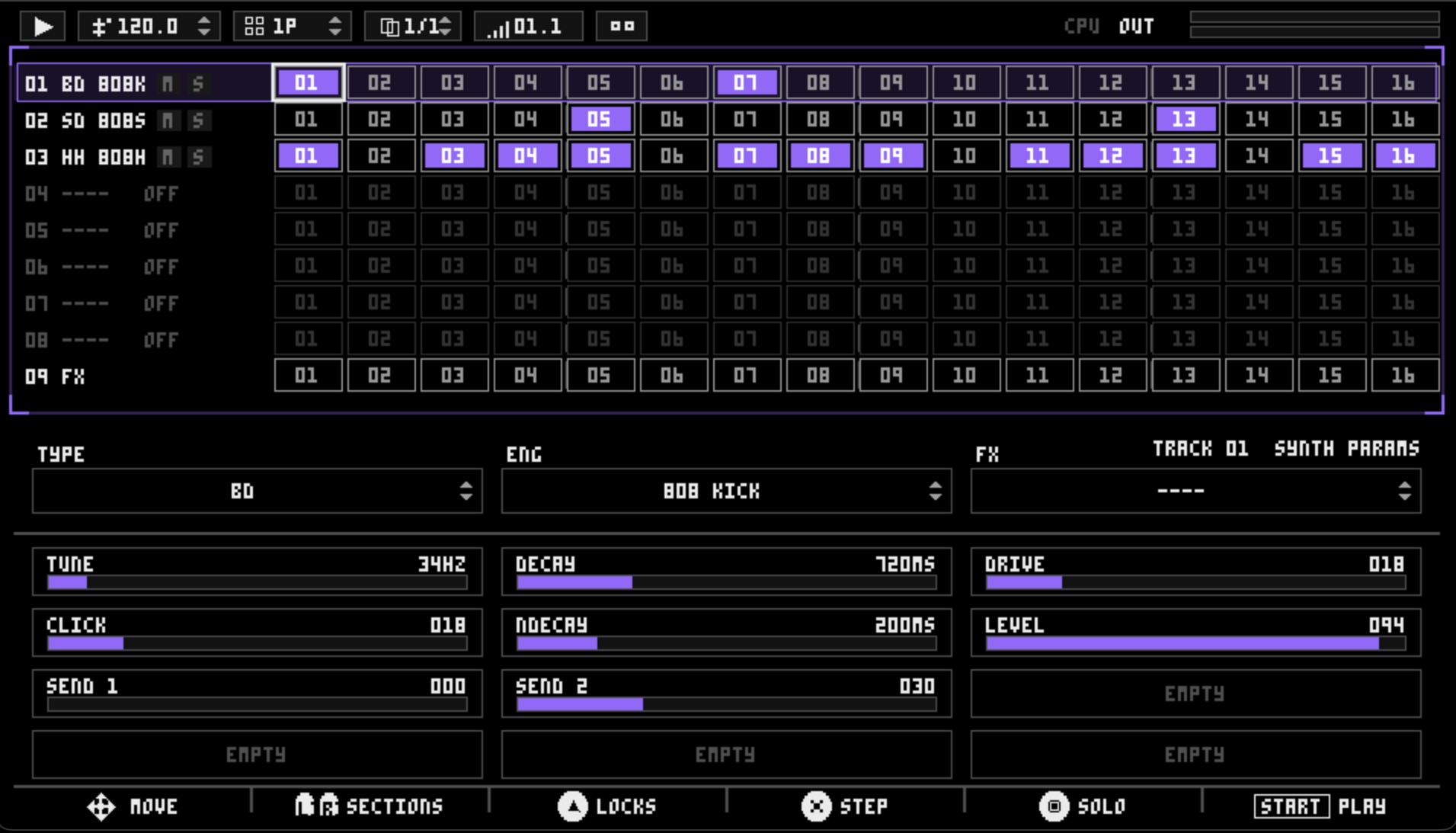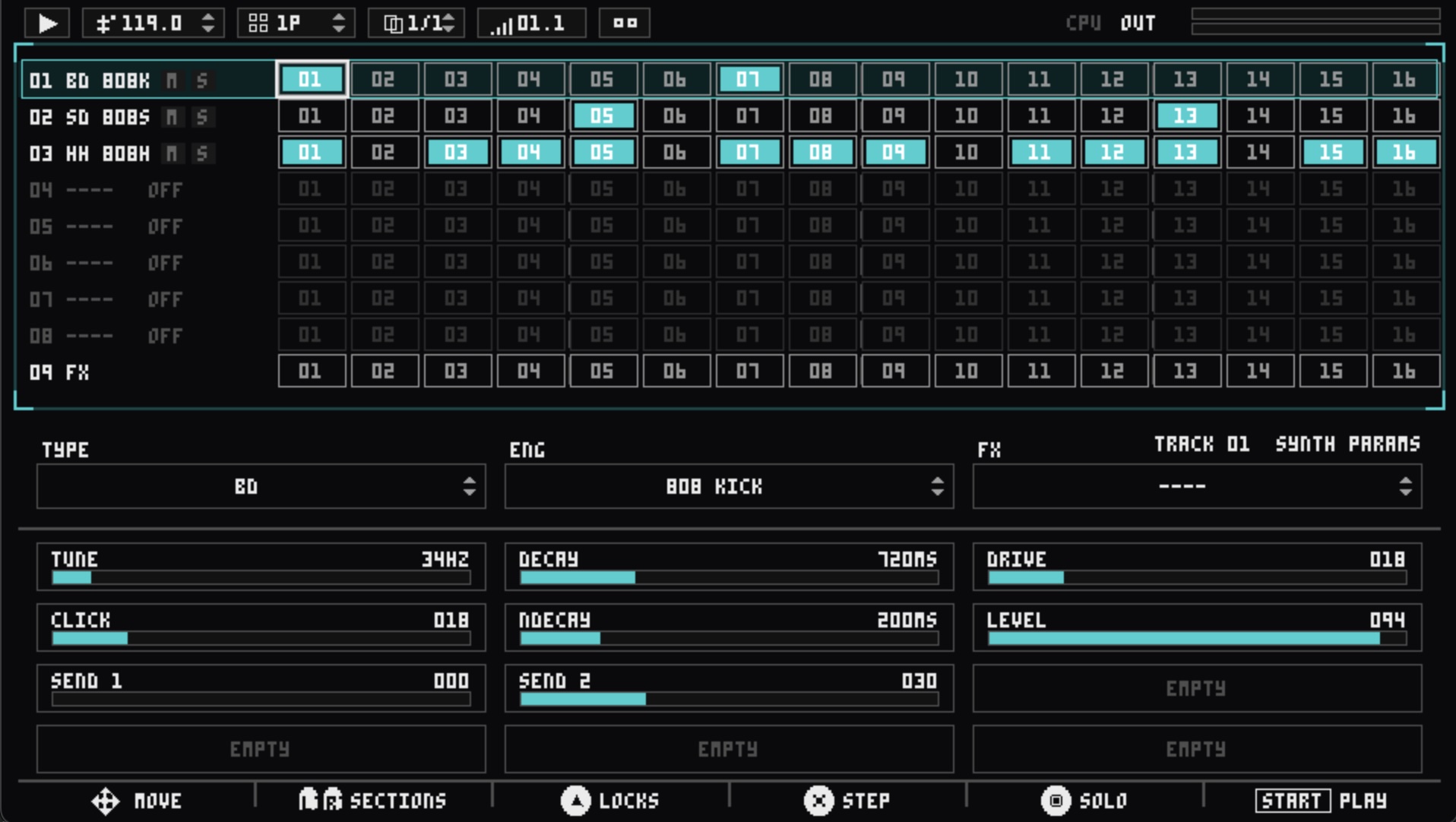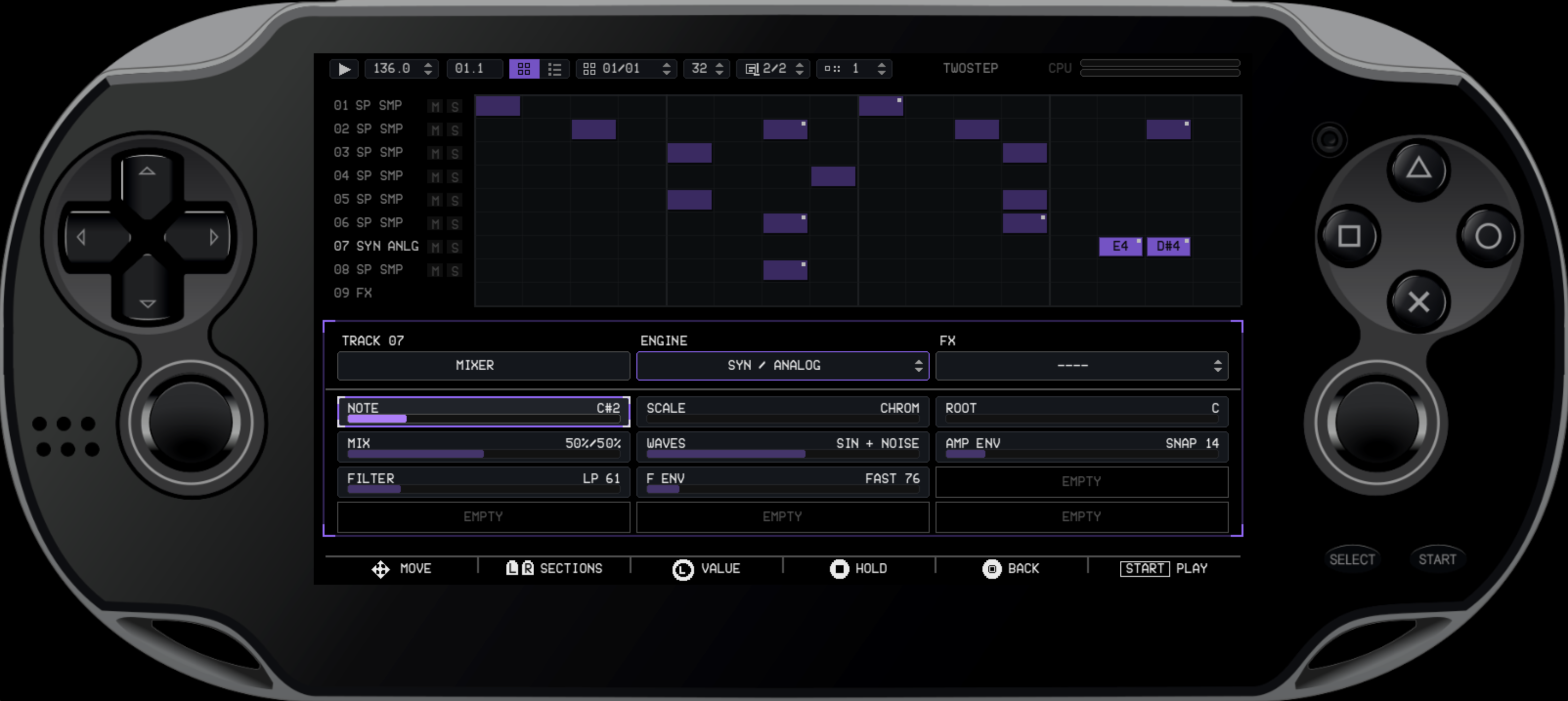
DS-8 Drumstream for PS Vita
A downloadable groovebox
DS-8 Dreamstream v0.6 with USB Audio & MIDI
Version 0.6 turns DS-8 into a deeper studio instrument, with multichannel USB audio, MIDI sync, stereo mixing, per-track swing, flexible pattern lengths, and a faster sound-selection workflow.
USB Audio + MIDI
Connect your PS Vita directly to your studio over a single USB cable:
- Record ten audio channels into your computer: stereo master plus eight individual tracks.
- Send stereo audio from your computer back into DS-8.
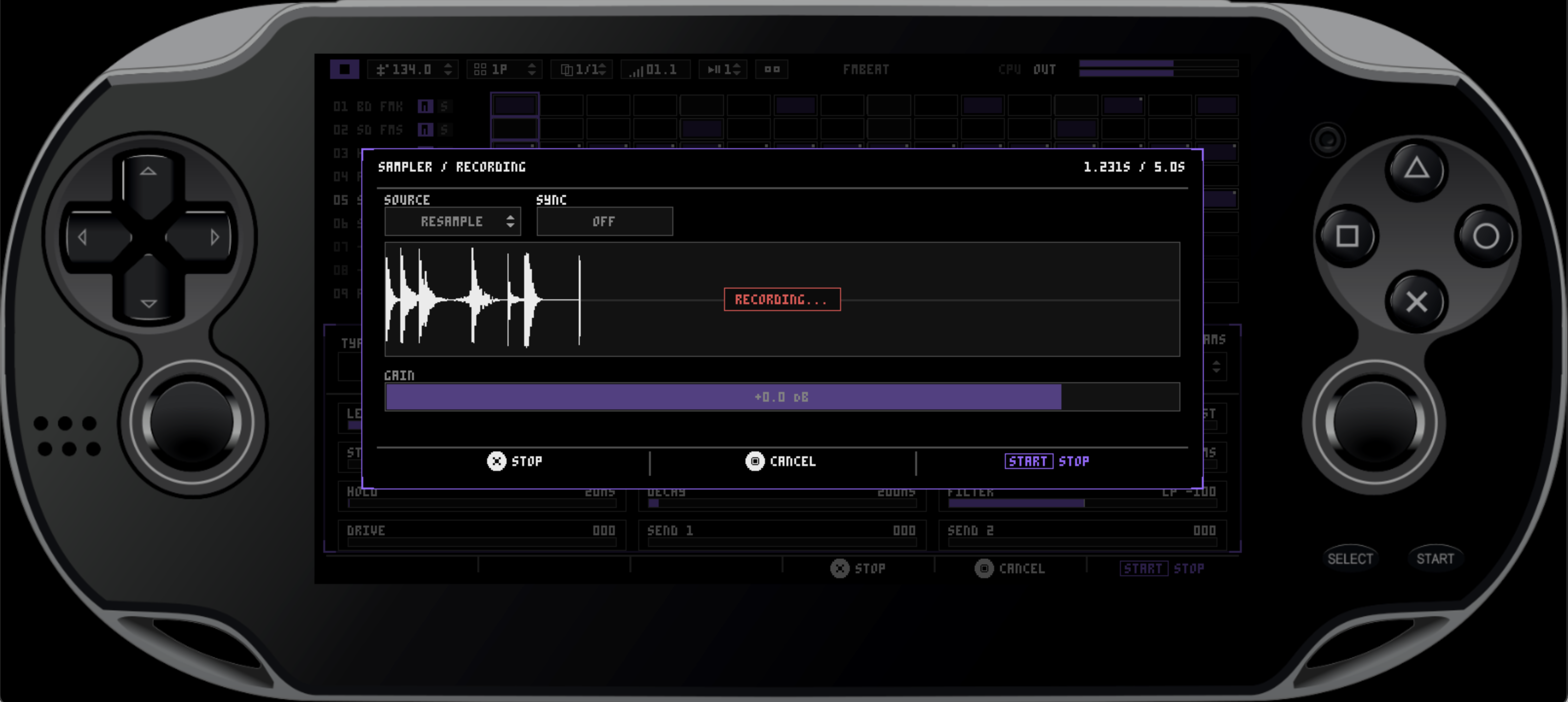
- Record incoming USB audio directly into the sampler.
- Send or follow MIDI clock and transport using the new
INTandEXTmodes. - Clear
WAIT,LOCK,CONNECTED, andSTREAMINGfeedback keeps the connection state visible.
Note: the optional Open Source USB Audio + MIDI kernel plugin is included in the download. DS-8 continues to work normally without it; the plugin is only required for USB integration and must be installed manually.
New Mixer and Stereo Panning
Every track now has its own position in the stereo field.
- New dedicated
MIXERpage. - Per-track
PAN,LEVEL,SWING, drive and send controls. - Automate Pan and other mixer movements per step.
- Master effects now operate in stereo.
Build wider kits, animate sounds across the stereo field, and prepare cleaner multitrack recordings.
Per-Track Swing
Add MPC60-style swing independently to each track, from straight 50% timing up to a deeper 75% shuffle.
Keep the kick locked while pushing the hats, percussion, sampler, or synth into a different pocket.
Flexible Pattern Lengths
Patterns can now be switched between:
- 16 steps
- 32 steps
- 64 steps
When extending a pattern, choose whether new pages start empty or repeat the existing sequence. Shortening a pattern preserves the hidden pages, so they return when the pattern is expanded again.
Faster Sound Selection
The engine browser has been reorganized into expandable sound families:
- Bass Drum
- Snare Drum
- Hi-Hat
- Clap
- Percussion
- Synth
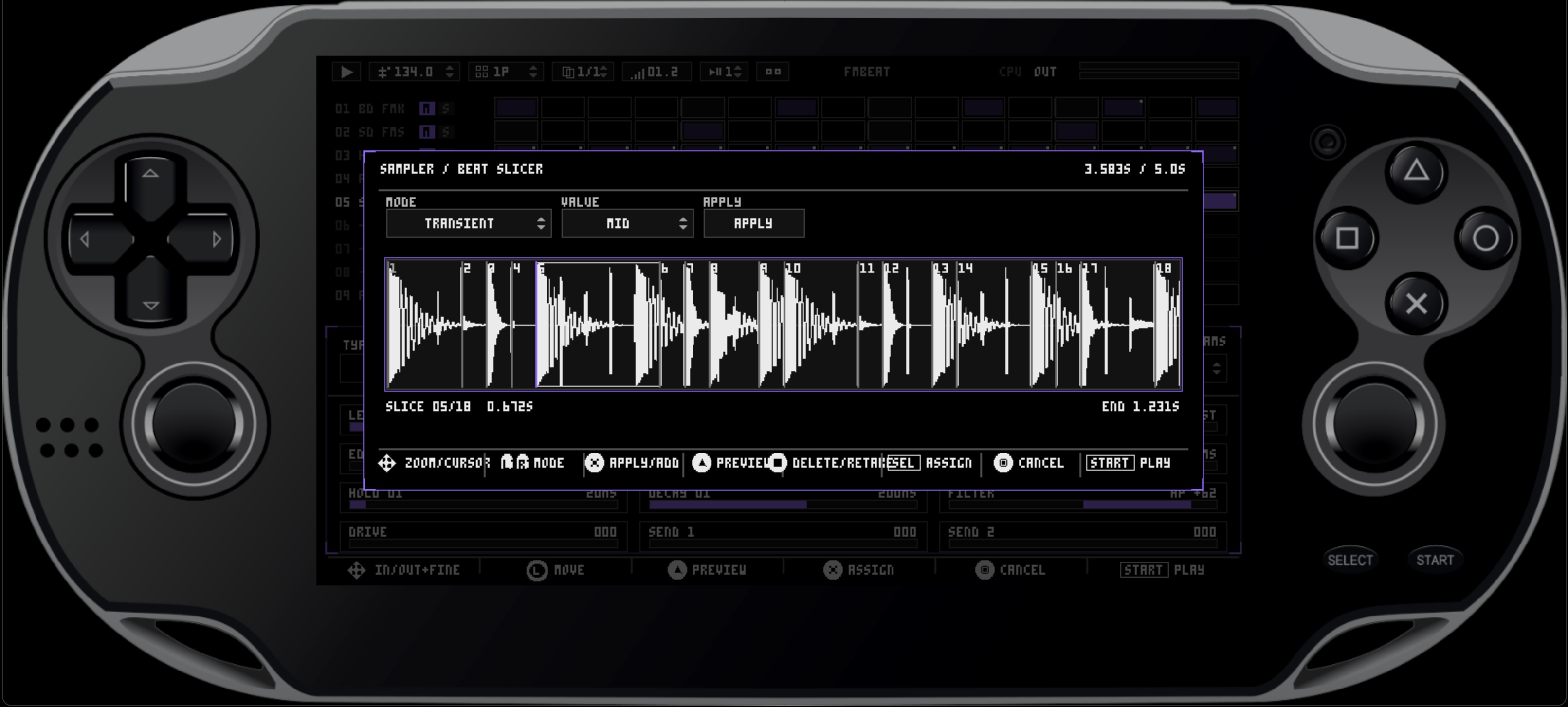
- Sampler
Open a group, choose an engine, and collapse it again without scrolling through one long list. ONESHOT and BEATSLICER are available directly inside the Sampler group.
USB and Workflow Polish
- Improved long-running MIDI clock stability.
- Safer temporary MTP replacement and restoration.
- Clear guidance when the USB plugin is missing or unavailable.
- Refined engine-browser hierarchy and navigation.
- Introduce a synth note preview feature for melodic tracks
- Updated PS Vita presentation and LiveArea artwork.
Existing DS-8 projects remain compatible with v0.6.
====== Previous versions =======
DS-8 Dreamstream v0.5 — Performance, Automation & Resampling
DS-8 v0.5 expands into a more complete performance and arrangement instrument. Build songs with the new Playlist, manipulate them with Live FX, record parameter movement, resample the output, and morph between complete sound snapshots—all without leaving the groove.
What’s new
Playlist arranger
Turn your patterns into complete arrangements.
- Add, remove, and reorder pattern rows
- Set repeat counts for each row
- Create per-row track mute variations
- Launch individual rows during playback
- Loop the full playlist or loop from a chosen row
Live FX
A new XY performance area puts four playable effects under your fingers:
- DJ FILTER
- COMB
- DLY
- REPEAT
Effects can be controlled using the touchscreen or analog stick. Adjustable TAIL settings let effects fade naturally after release, while DLY moves from short tape-style echoes into musical BPM-synced divisions.
Track snapshots and morphing
Each track now has eight snapshot slots.
Store different versions of a sound, recall them instantly, or morph between them over divisions ranging from 1/8 note to four bars. Snapshots are saved inside your project.
Voice automation
Record sound and effect changes directly from the Voice editor while the pattern plays. Live edits are immediately audible and can be written into the current sequencer step without retriggering the sound.
Internal resampling
Record DS-8’s own output directly into a sampler track.
- Synchronized 1, 2, or 4-bar recording
- Manual capture mode
NEW PRE FXrecording for a clean sourceNEW POST FXrecording with sends and master effects included- Crop, preview, slice, and resequence the result
New sound-selection workflow
Track types, engines, sampler modes, and effects now use focused dropdown selectors, making it much faster to explore DS-8’s sound engines.
The preset browser has also been redesigned around a three-column hierarchy:
Type → Engine → Preset
Presets can be previewed, renamed, and loaded without leaving the browser. A protected INIT preset provides a quick way to return any track to its default sound.
New Insert Effects
- BPM DELAY — tempo-synchronized delay with feedback, tone, and ping-pong control
- DUCKER — rhythmic level shaping driven by another track
Faster sequencer editing
The new Lane Actions menu provides quick operations for complete tracks or selected step ranges:
- Copy and paste track settings
- Copy all steps or a selected range
- Repeat pasted steps to the end of a lane
- Clear track settings
- Clear sequencer hits
- Clear automation
Destructive Clear Pattern and Clear Track actions now require confirmation.
Interface improvements
v0.5 also introduces:
- A new display font and refined interface styling
- Multiple colour themes
- Smoother modal and list navigation
- Improved playlist touch controls
- Better project and preset scrolling
- More responsive live parameter editing
- Smoother effect tails and rapid automation changes
Existing v0.4 projects remain compatible.
Thanks for playing DS-8 Dreamstream. We’d love to hear what you create with the new Playlist, resampling, and performance tools.
Special thanks to Büromaschinen for the Track Snapshot idea!
-----
DS-8 v0.4 Release Notes
DS-8 v0.4 is a major step toward turning the PS Vita into a complete handheld music workstation.
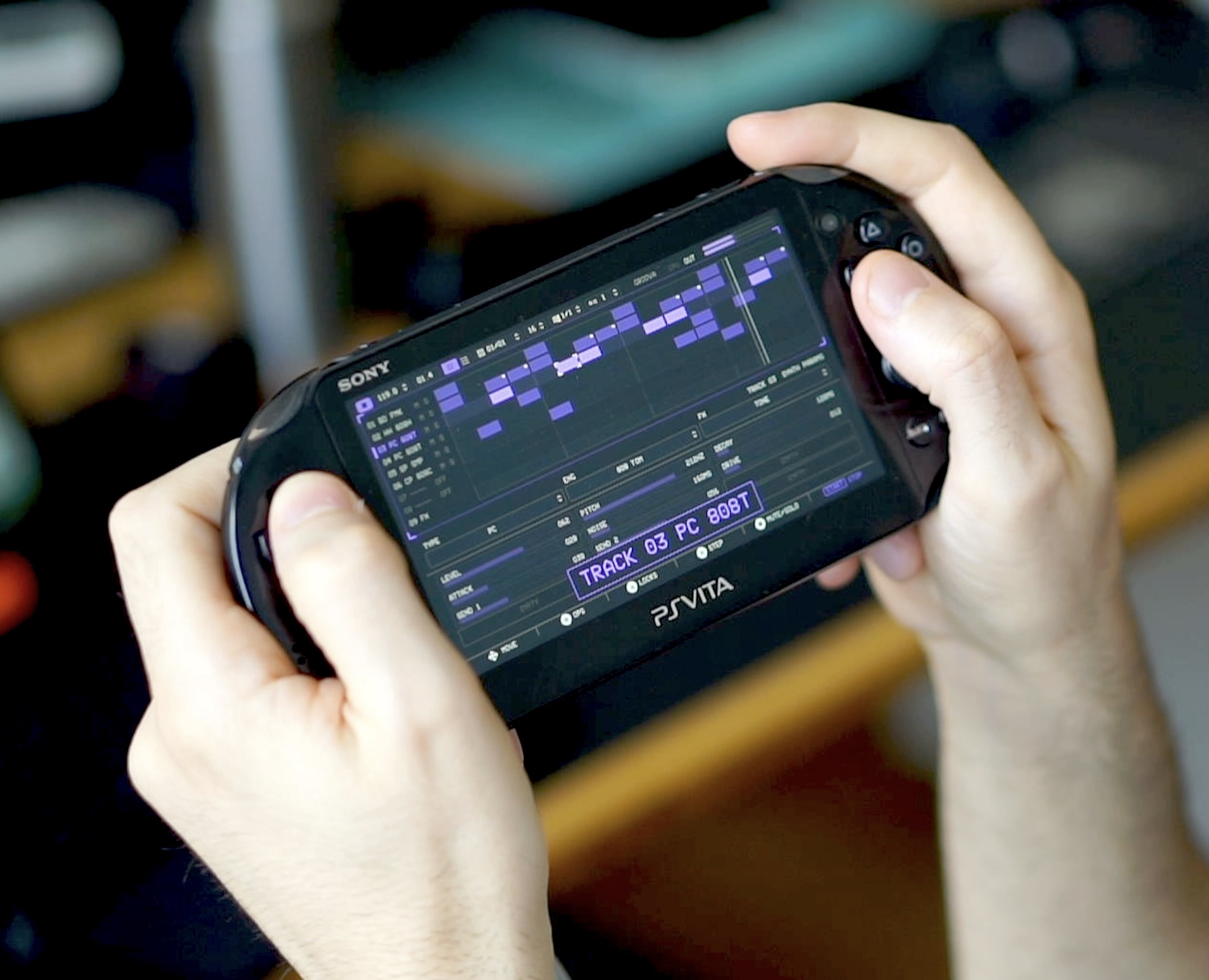
This update adds multiple patterns with append and clone, BPM-synced pattern launching, improved mute and solo controls, a new melodic SYN engine with an Analog subtractive synth voice, scale-based note input, melodic pattern generation, longer 15-second samples, AIF/WAV browsing, streaming sample previews, and cleaner 48kHz sampling.
Pattern System & Chaining
Multiple patterns per project with a pattern selector UI. Queue a pattern to play next when the current one finishes — enabling seamless song-like playback. Patterns can be cloned, cleared, and independently edited.
Analog Synth Engine
A new analog-modeled synthesis engine (SYN) featuring polyBLEP oscillators, multi-waveform presets, resonant filter, and per-step envelope shaping. Opens up melodic leads, basses, and sound effects beyond drum synthesis.
Melody Generation
The pattern generator now produces quantized melodies for SYN tracks. Pick a scale and let the generator fill lanes with musically coherent note sequences.
Synth Tie & Note Picker
Tie adjacent steps on SYN tracks to extend note duration without retriggering. A note picker modal makes it easy to browse, preview, and assign pitches per step.
Mute & Solo
A track action popup provides per-track mute and solo controls, including smart solo grouping (soloing one unmutes related tracks). Toggles are queued and applied on page boundaries during playback so transitions stay tight.
Sampler File Browser
A full file browser for loading WAV and AIFF samples into the sampler — navigate directories, preview audio in real time, and load samples without blocking the UI.
Extended Sample Capacity
Sampler recording and playback now support up to 15 seconds (up from 5s), giving more room for loops, vocals, and resampled phrases.
Streaming Sample Preview
Real-time audio preview of samples while browsing files, with ring-buffered streaming and proper thread safety — no more stop-and-start previews.
DS-8 v0.3 Release Notes
Sampler (SP track) — Record from mic/line input or resample the engine output back into a sampler track. Waveform editor with trim/crop, slice editor with transient detection and grid mode, per-slice ADSR and reverse, tone controls (bass/mid/treble boost and low-pass/high-pass filter), one-shot mode.
4 new percussion engines — Tom 808, Tom 909, Zap, FM Hi-Hat.
Step FX — Per-step play conditions (every 1st/2nd/3rd/4th pass), ratchets with flat/fade/rise velocity shapes, and microtiming nudge (±6 ticks).
Preset browser — Save/load/preview/rename/delete presets (.ds8s format). Preview voice lets you audition without changing the track.
Resample recording — Bounce sequenced patterns into audio. Beat-sync arm on the downbeat, feedback prevention by excluding the armed track from the capture.
Rec monitor — Hear the mic through the main output while recording.
Track mute fades — Smooth fade-out when muting instead of abrupt cuts.
New and improved keyboard interface for saving Projects and Presets.
======= PREVIOUS VERSIONS =======
V0.2 – FM Drums, Project Saving and more!
What's new in v0.2:
━━━━━ SYNTH ENGINES ━━━━━
• FM Kick — 2-operator FM bass drum with ratio, body shaping & compressor
• FM Snare — phase-modulated FM snare with warped oscillator mixing
• Monophonic per-track voice allocation with click-free retrigger crossfades
━━━━━ PROJECT SYSTEM ━━━━━
• Save, Load, Save As, Delete, and New via binary .ds8p project format
• Cursor-based naming editor with on-screen popup keyboard
• Unsaved change detection with 3-option confirmation dialogs
• Toast notifications for every project operation
━━━━━ PATTERN GENERATOR ━━━━━
• 8 seed types: Manual, All On/Off, Alternate, Every N, Euclidean, Random, Presets
• Per-slot velocity + trigger overrides with configurable block length
• Inline pattern preview and Merge/Replace apply modes
━━━━━ TRANSPORT & SEQUENCER ━━━━━
• Step Edit — auto-advance 0/1/2/4/8 steps after placing triggers
• Pattern length cycles through 1, 2, or 4 pages (16/32/64 steps)
• Beat-start emphasis dots, page change toasts, CPU overload indicator
━━━━━ STEP AUTOMATION ━━━━━
• Precision mode (hold SQUARE for fine D-pad stepping)
• Parameter filter — show only automated params per page
• Consistent analog stick acceleration across all parameters
• Send 1 / Send 2 automation now fully functional
DS8 Drumstream is still in active development. This is v0.2, so expect bugs, rough edges, and frequent changes.
----
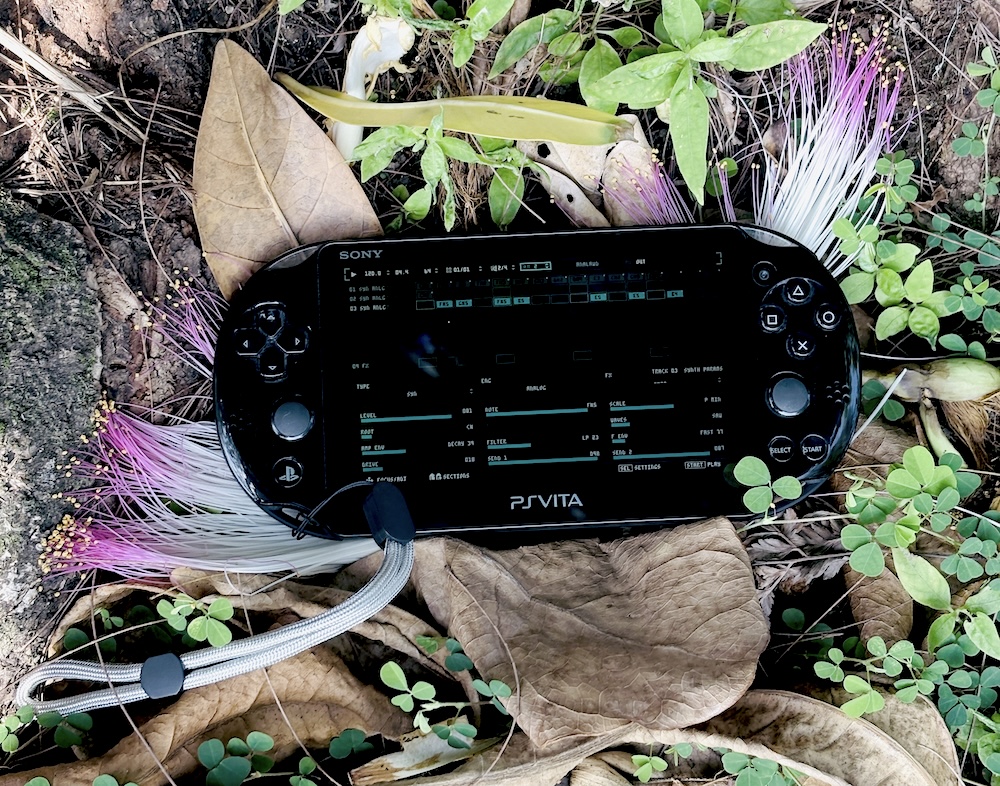
DS8 Drumstream is a drum synthesizer and groovebox for the PlayStation Vita.
It turns the Vita into a compact drum machine for sketching ideas, building grooves, and performing anywhere. The app is built around eight drum tracks, a step sequencer with up to sixty-four steps, and direct control through the Vita’s physical buttons.
All sounds are generated in real time. No samples, no wavetables. Each drum voice can be shaped directly, with controls for tuning, decay, drive, pitch, noise, level, and more.
The sequencer supports mute, solo, per-step automation, pattern length control, step copy and paste, metronome, and pattern generation. Individual steps can have their own parameter changes, allowing for accents, ghost notes, tuned percussion, glitch fills, and evolving rhythms.
Pattern generation includes Euclidean rhythms, random patterns, alternating steps, every-N triggers, and preset templates.
DS8 Drumstream is currently in active development. This is an early v0.1 release, so bugs, missing features, performance issues, and interface changes should be expected.
Disclaimer
DS8 Drumstream is homebrew software and requires a modified PlayStation Vita capable of installing .vpk files.
This is a v0.1 development build. Use at your own risk. Stability, performance, audio behavior, file compatibility, and controls may change in future versions.
Download
Click download now to get access to the following files:
Development log
- Upcoming features in v0.721 hours ago
- v0.4 Released38 days ago
- v0.2 is OUT! FM Synth, Save/Load projects and more...52 days ago